 Joe McCraw
The problem
Learning VoiceOver is often daunting for sighted engineers and testers. Most accessibility training is passive documentation that explains what VoiceOver is, rather than letting you practice screen-reader navigation in a safe, interactive environment.
The solution
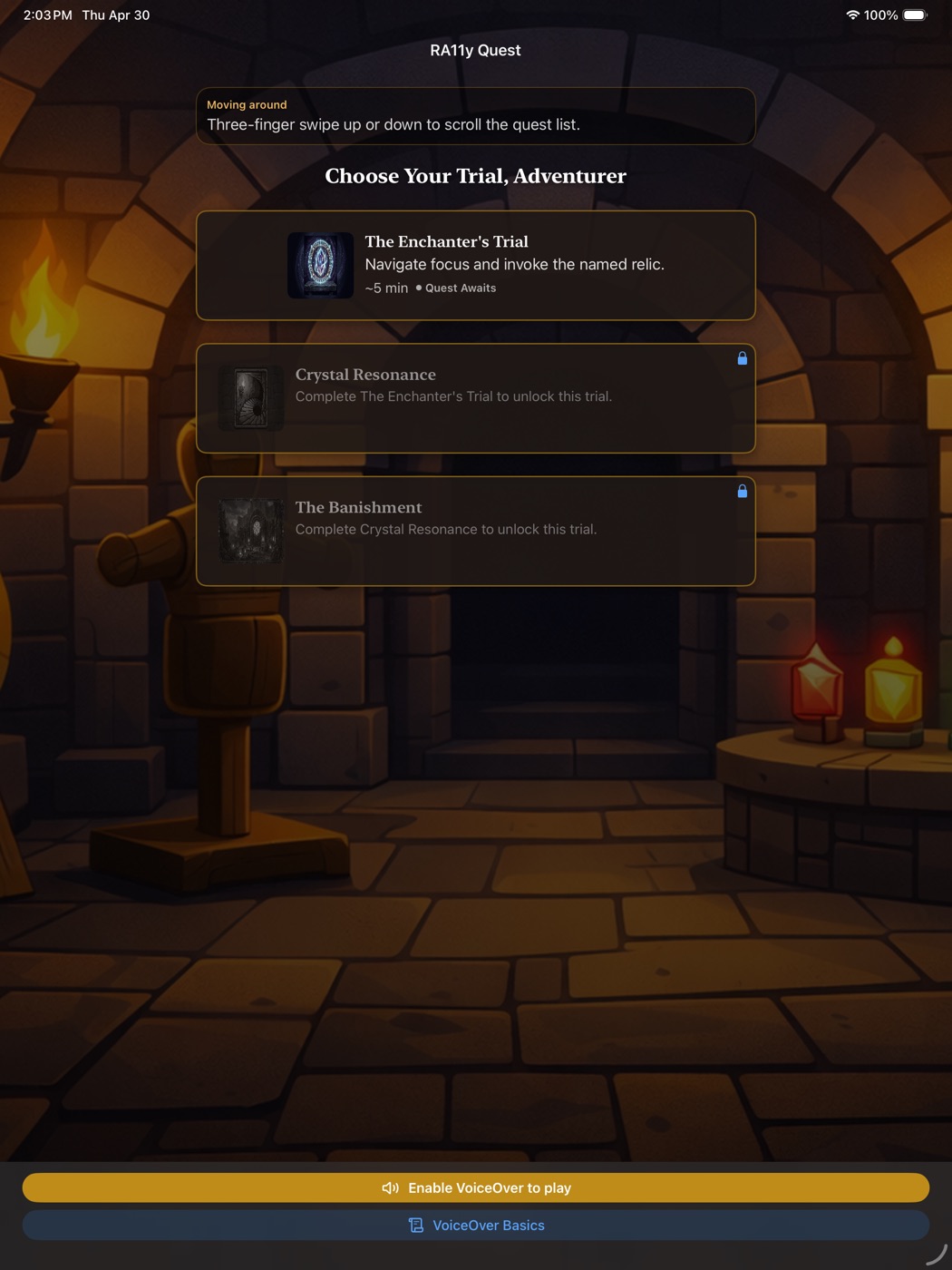
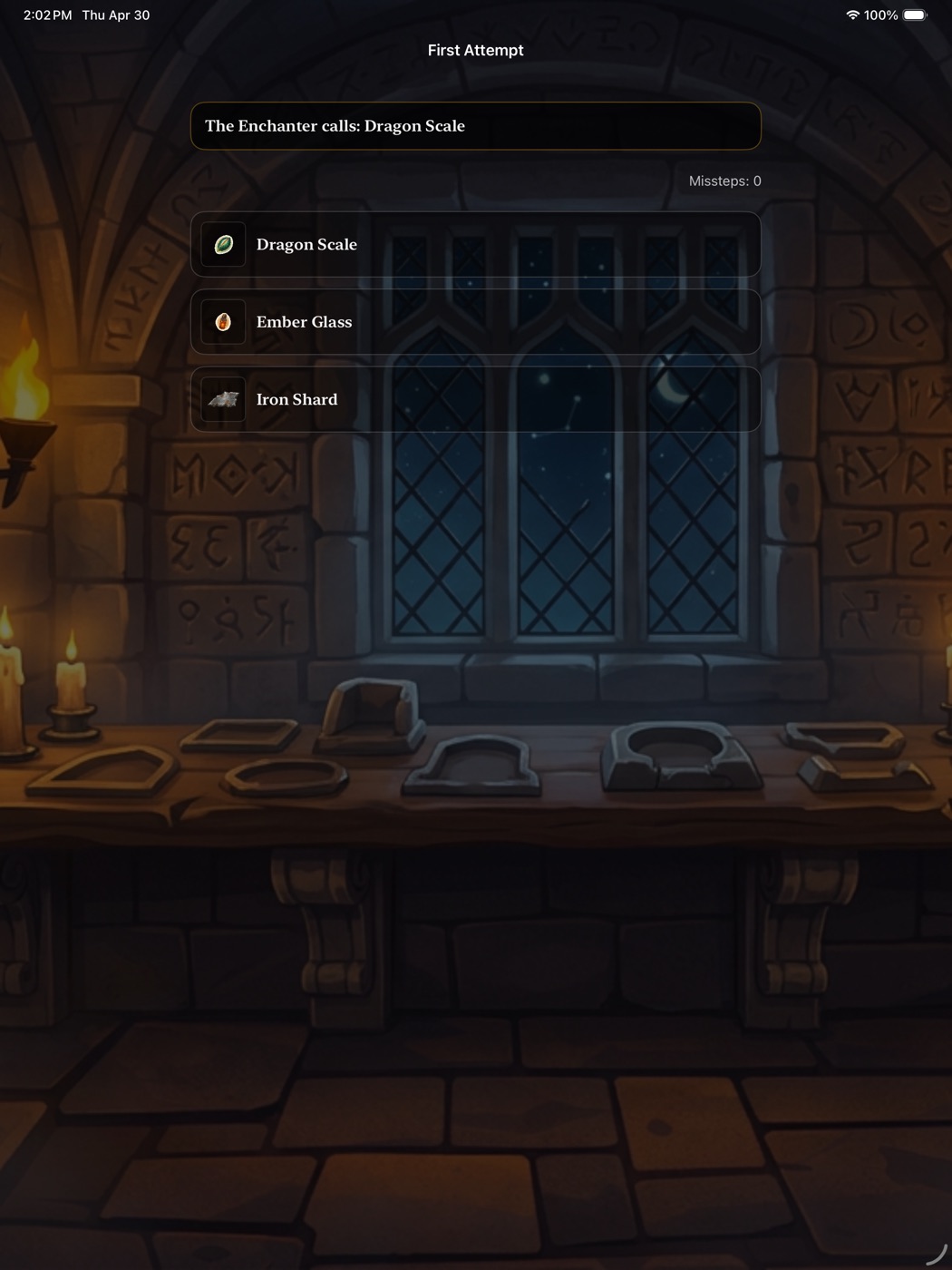
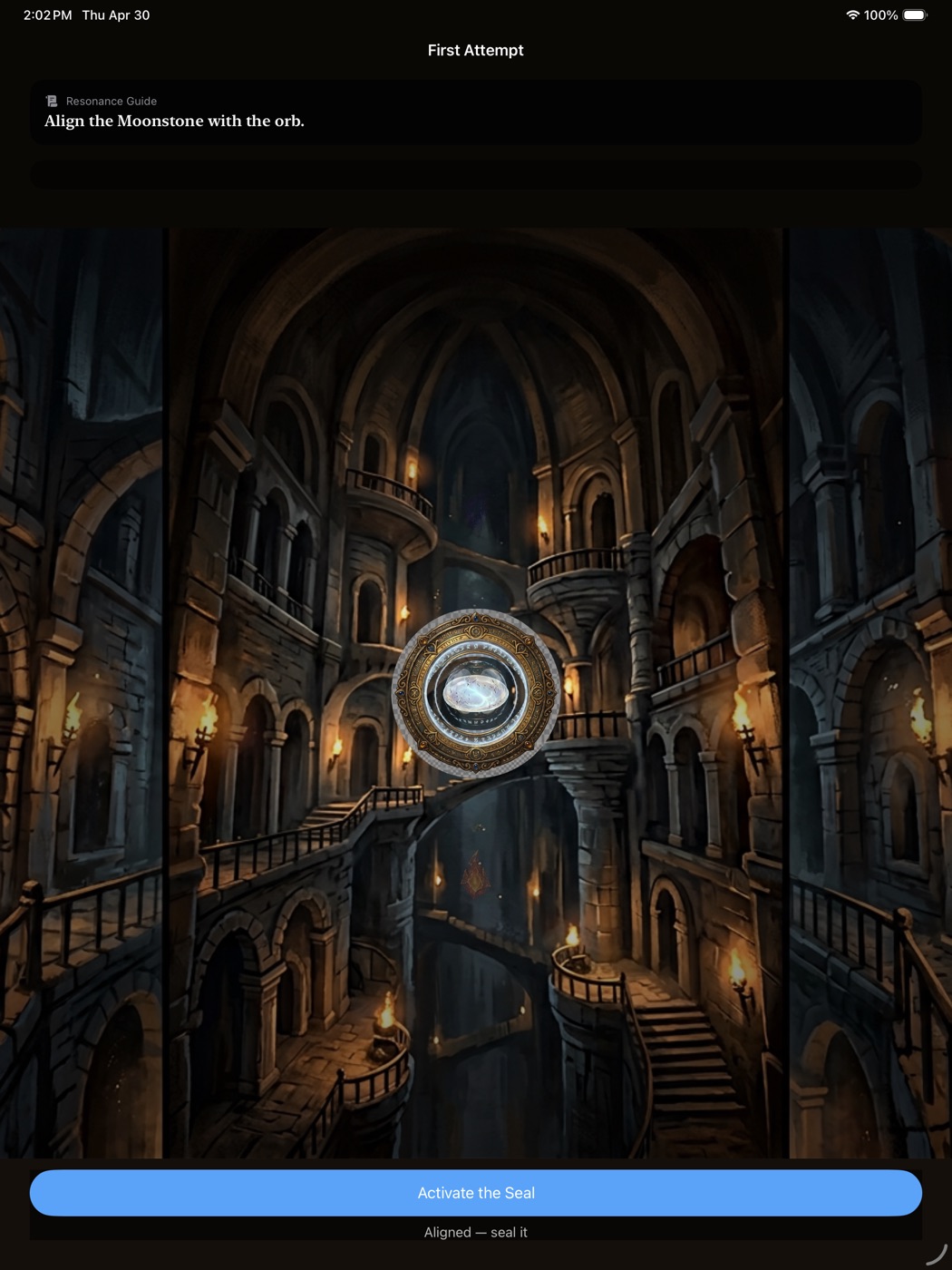
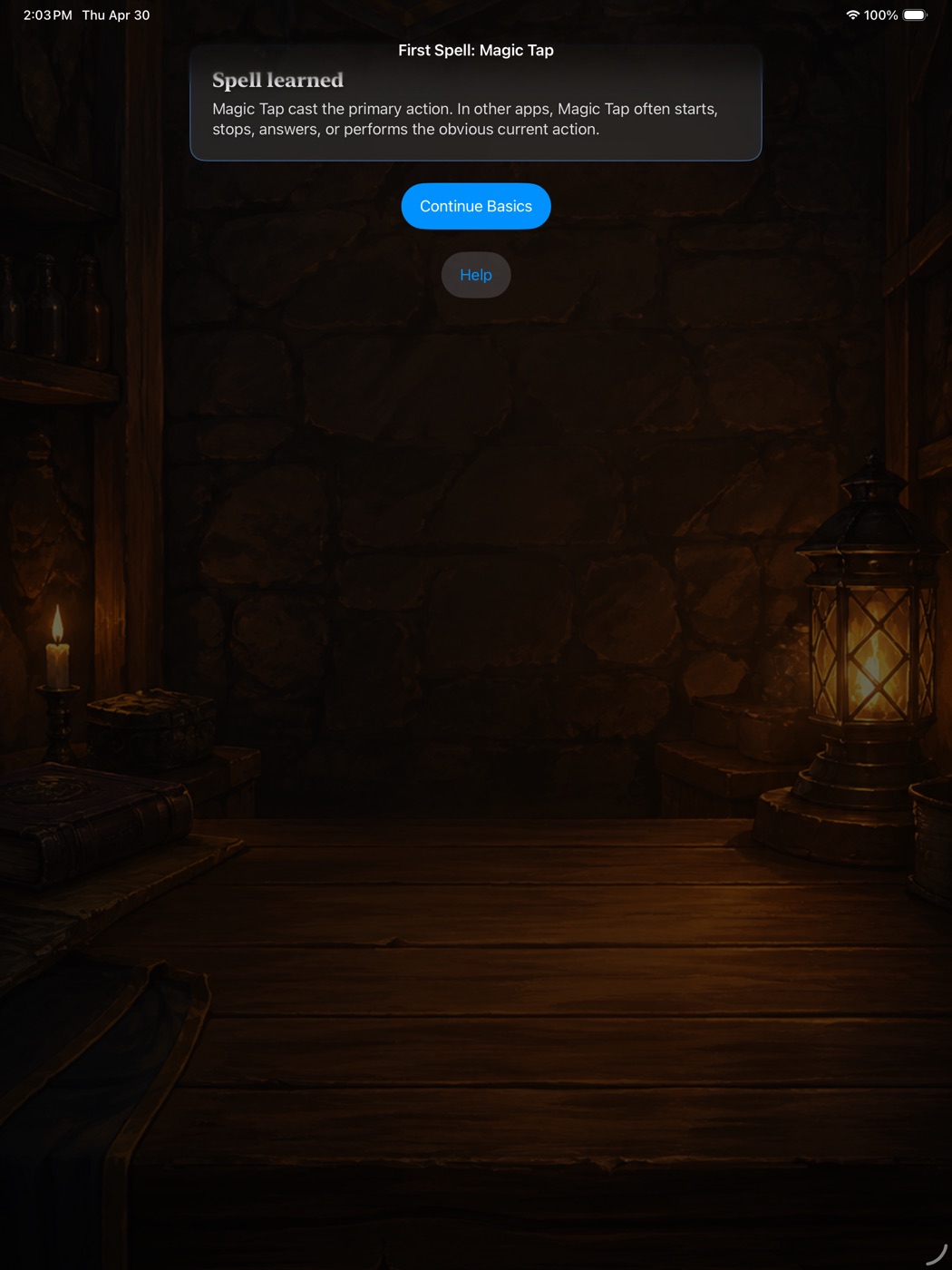
I built RA11y Quest to turn VoiceOver interaction patterns into an interactive iOS game. Players learn core gestures—focus traversal, two-finger scrubs, rotor adjustments, and three-finger scrolls—by solving bite-sized dungeon quests.
The training progresses through guided practice and timed trials, culminating in “Lights Off”—an advanced mode that dims the screen entirely so players rely 100% on VoiceOver audio cues and haptic feedback.
The learning system
- Guided practice: explicit instructions and immediate confirmation
- Timed trials: can you execute the gesture under pressure?
- Lights Off: VoiceOver only—prove you can navigate without vision
- Automated testing: every quest includes accessibility-verified screenshots to catch regressions
- Haptic feedback: reinforce gestures through tactile response
Why this matters
Accessibility training is often passive. RA11y makes the assistive interaction itself the subject of play. The teaching method, the accessibility semantics, the haptic feedback, and the automated visual testing are not separate features—they’re one coherent product system designed to make an unfamiliar skill learnable and repeatable.
Status
Active open-source project. The repository and documentation are public; the app is not currently on the App Store but remains available for anyone to build and run.