 Joe McCraw

Source code not yet released. The dedicated joesproxy.com website is a prototype planned for a separate, later launch. This page introduces the application; it is not a download announcement.
Follow a request through the system
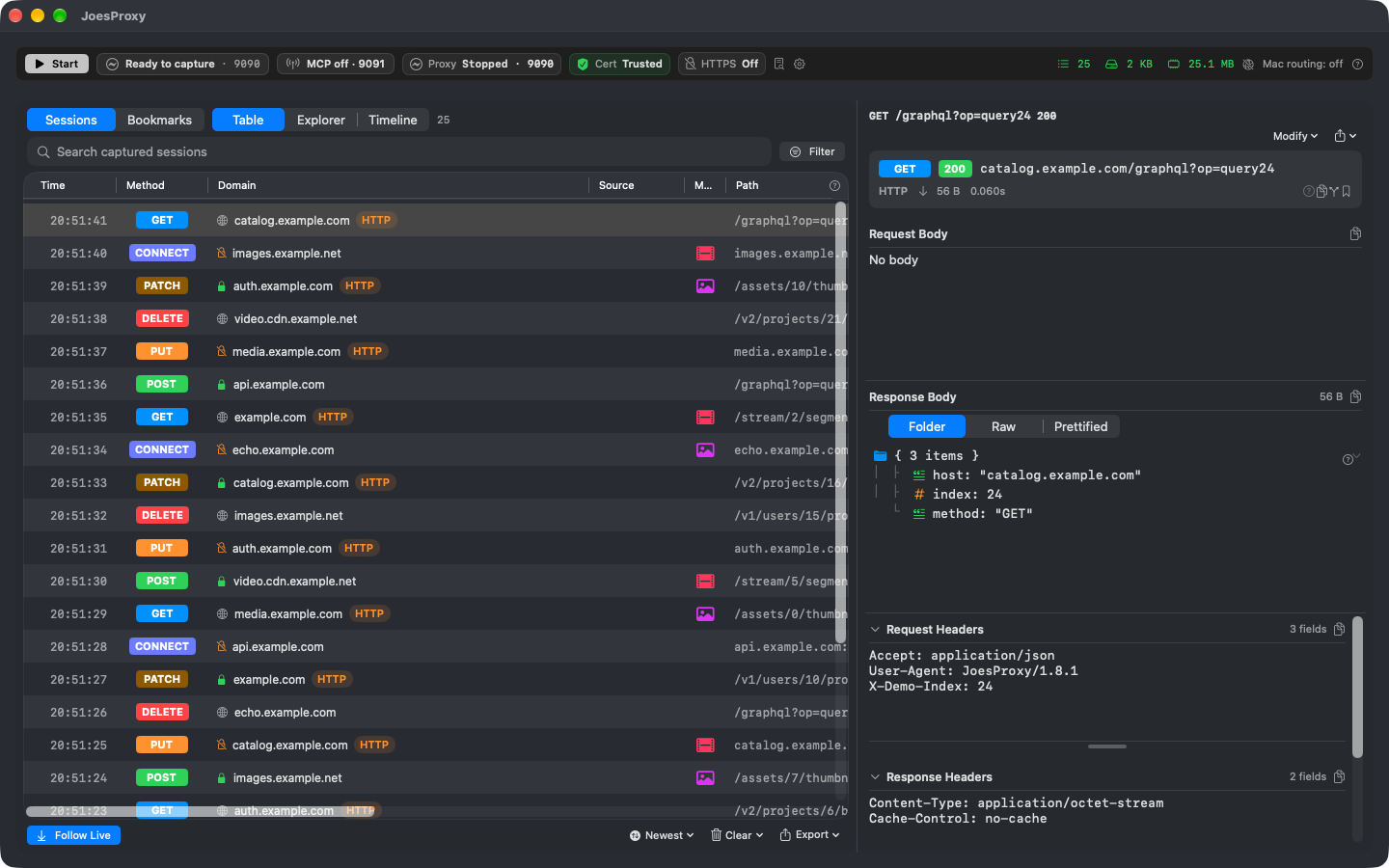
A failed request rarely tells the whole story. JoesProxy brings captured traffic, response details, timing, and proposed changes into one native macOS workspace so developers can move from an observation to a focused investigation.
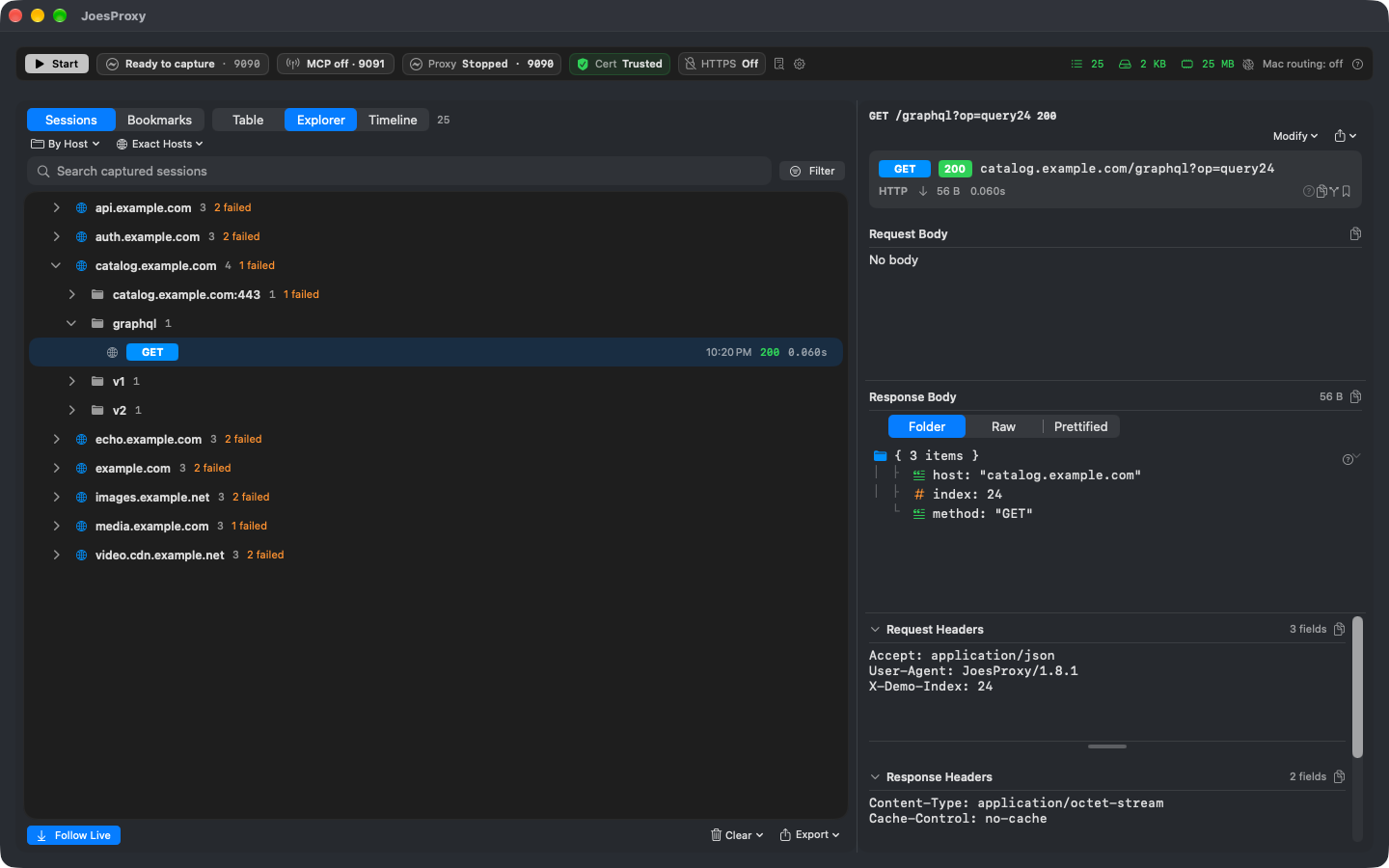
Find the endpoint that matters
Explorer groups requests by host and path. Instead of searching a flat log for every related call, expand the endpoint and keep its response beside the traffic tree.
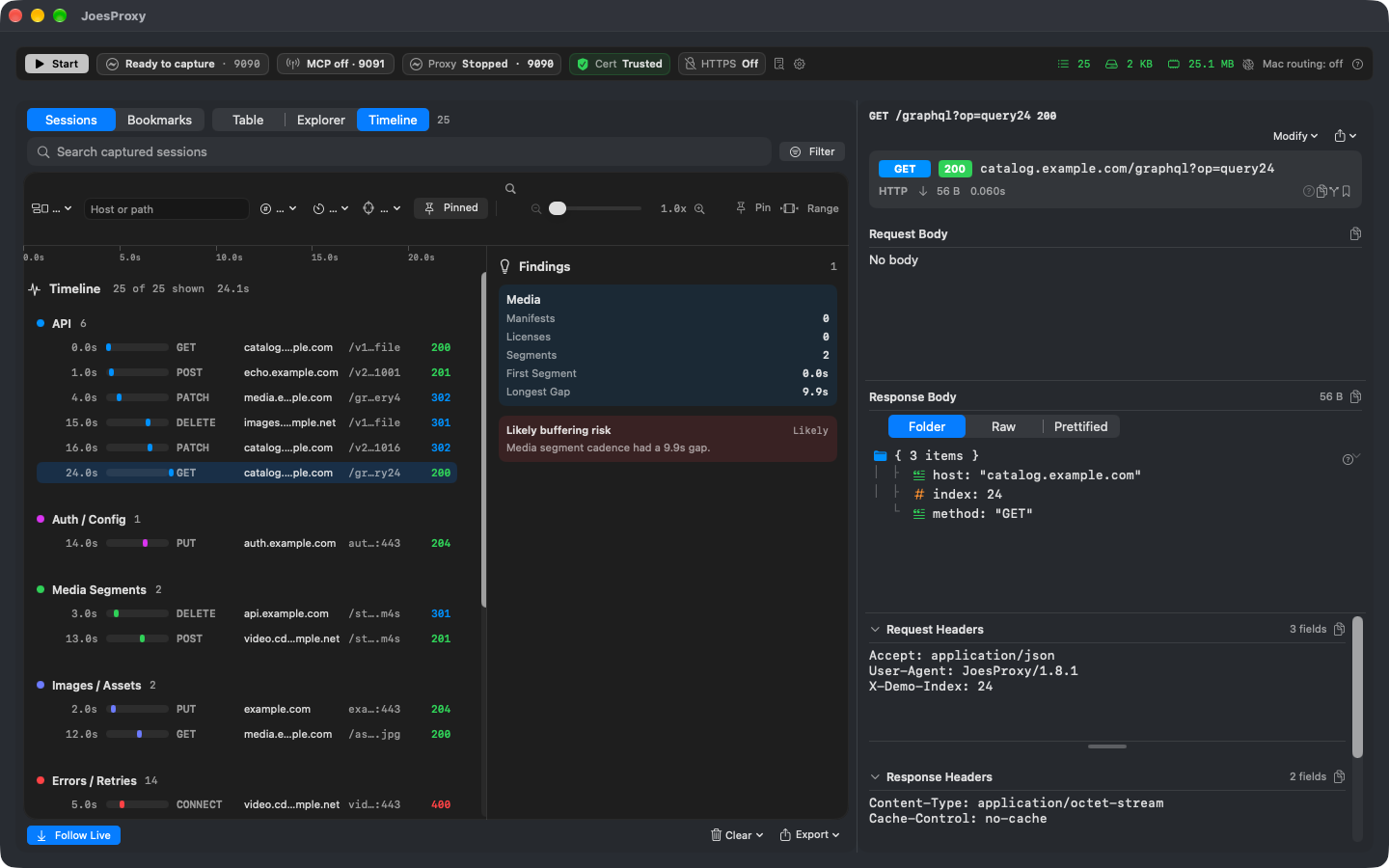
See timing alongside the evidence
Timeline groups activity into lanes and places findings alongside request order. For streaming investigations, a gap between segment requests can be more useful than an isolated status code. The project’s media workflows also cover HLS and DASH manifests and advertising formats such as VAST and VMAP.
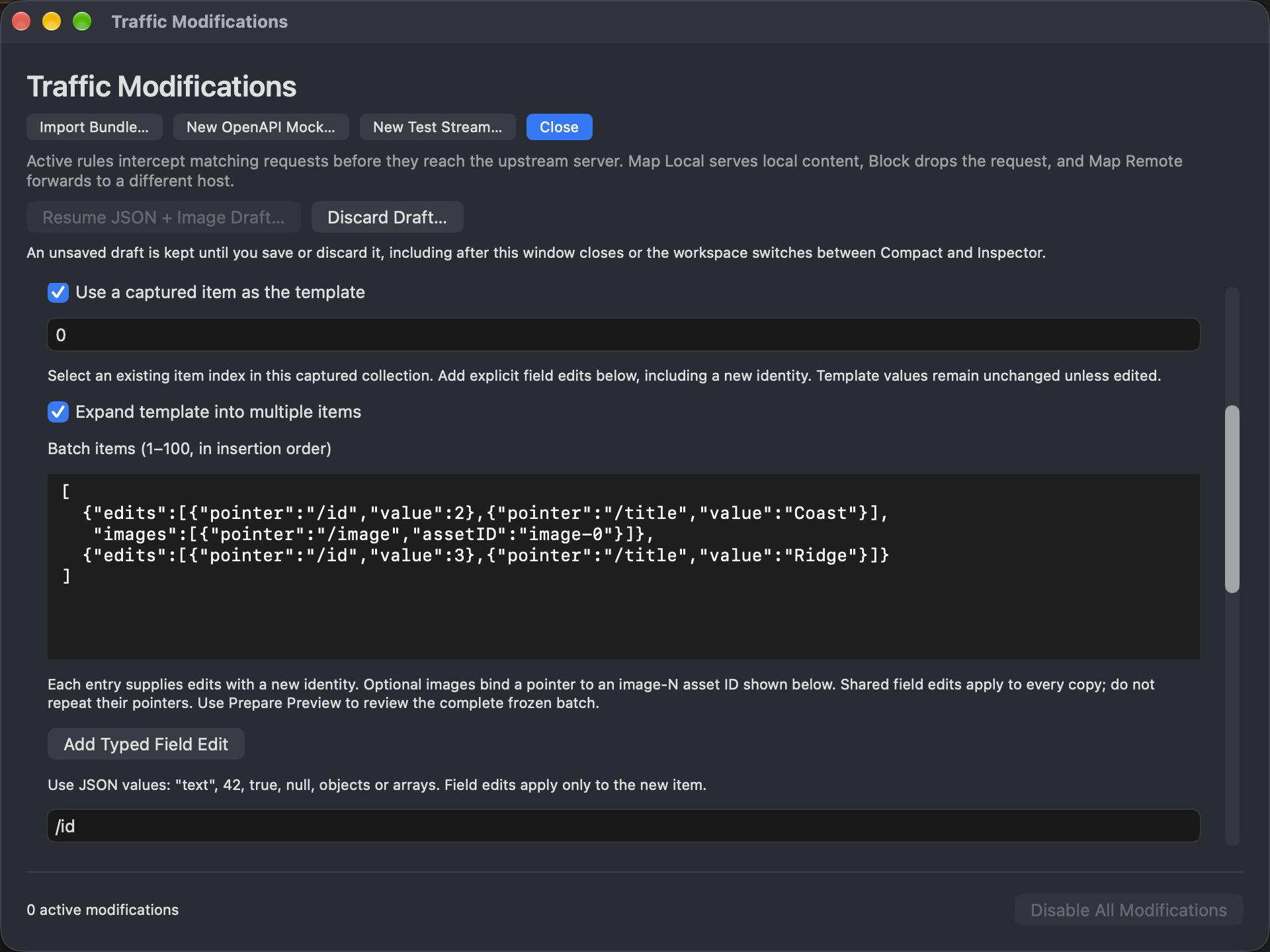
Prepare a change before activating it
Local overrides, request blocking, remote mapping, and response rewrites let developers explore controlled inputs without editing the upstream service. Review the proposed change and its scope before activation; preparation and live behavior are different states.
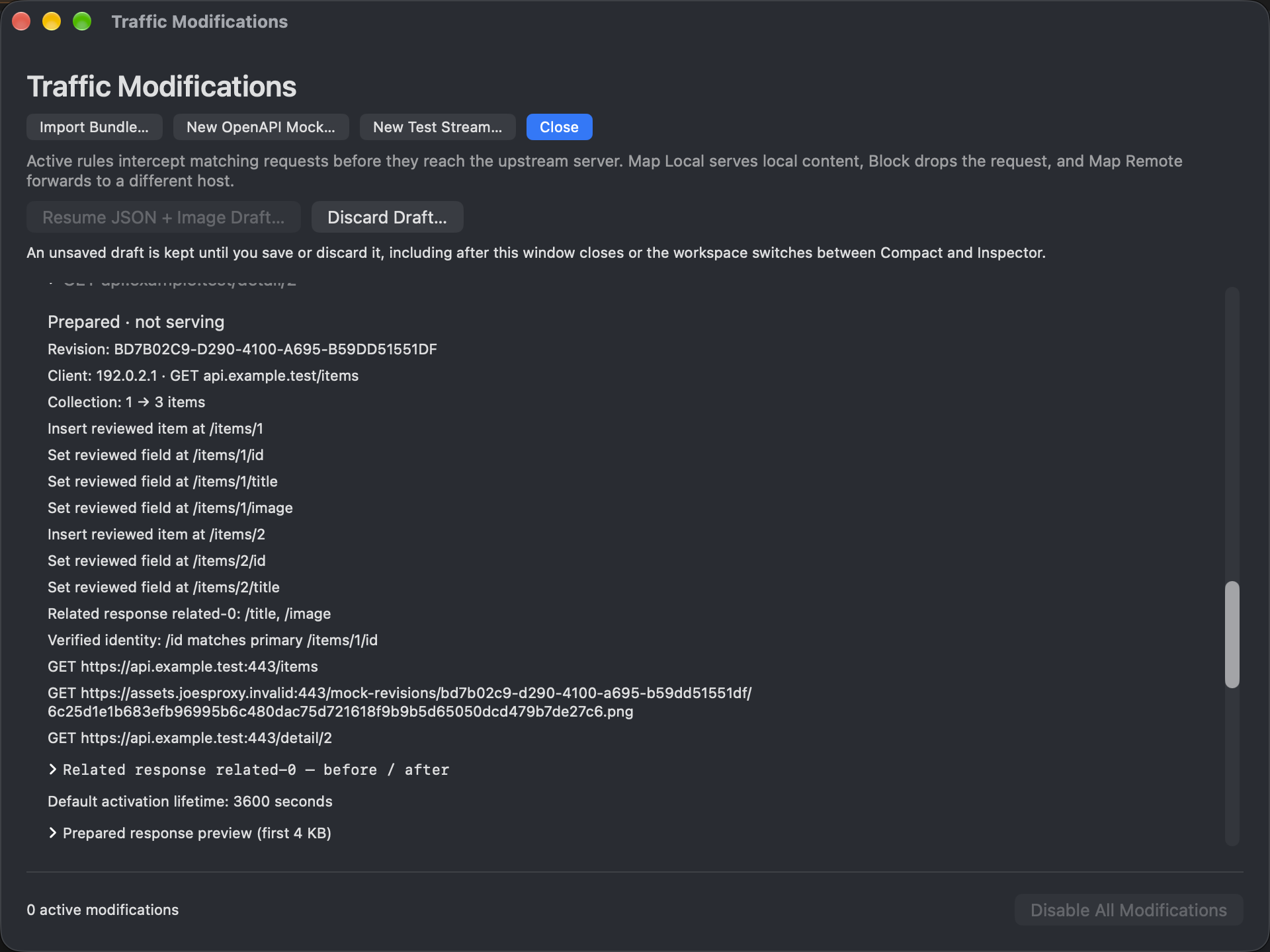
Bind artwork to a specific response
The prepared response can associate an owned demonstration image with a named item. Inspect the JSON and asset metadata together before considering activation.
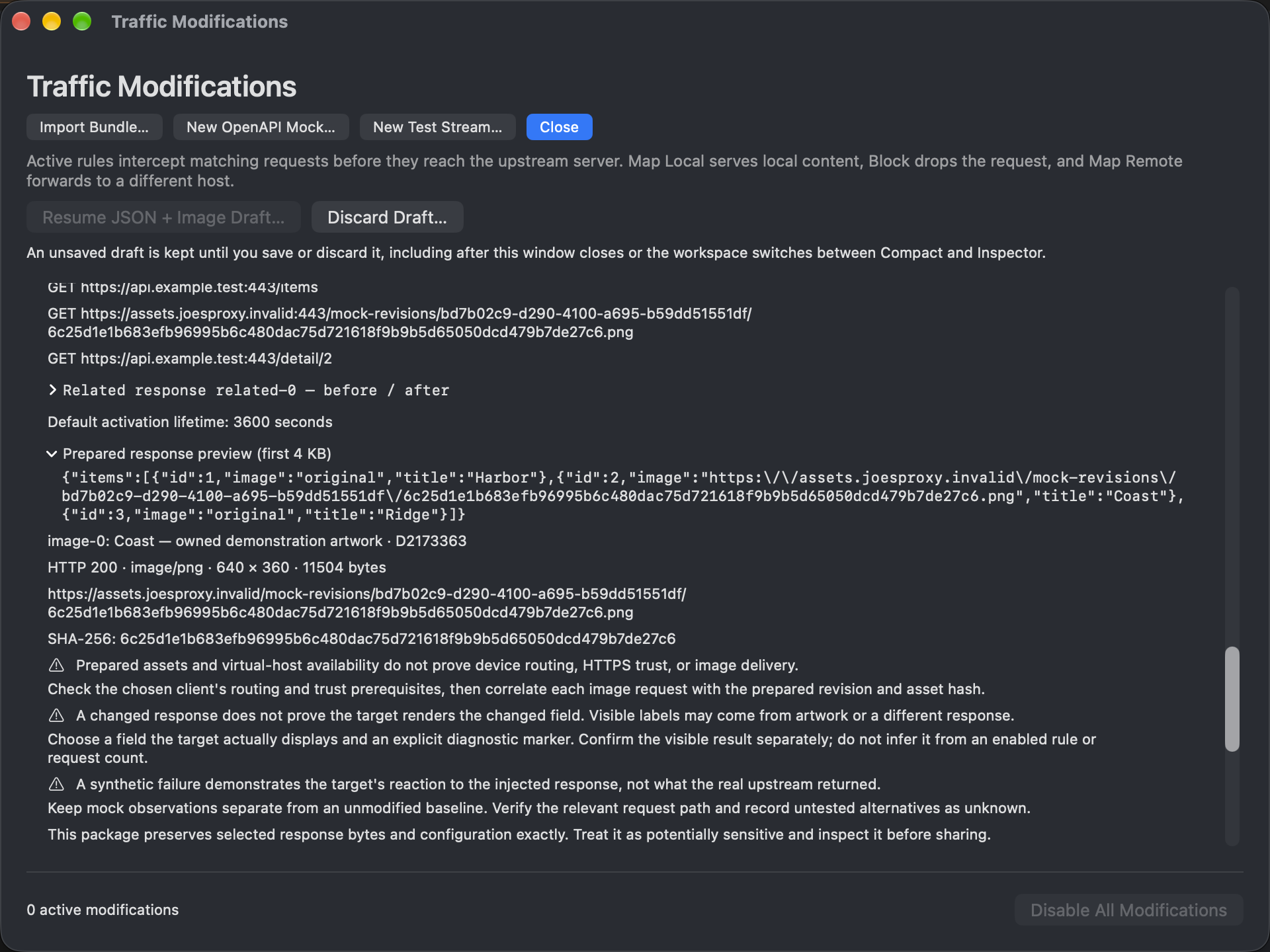
Understand what could not be verified
An investigation should expose missing evidence, not hide it. Resource-delivery details help distinguish a prepared revision from an available asset and an observed delivery. Even successful transport does not establish what a client rendered or played.
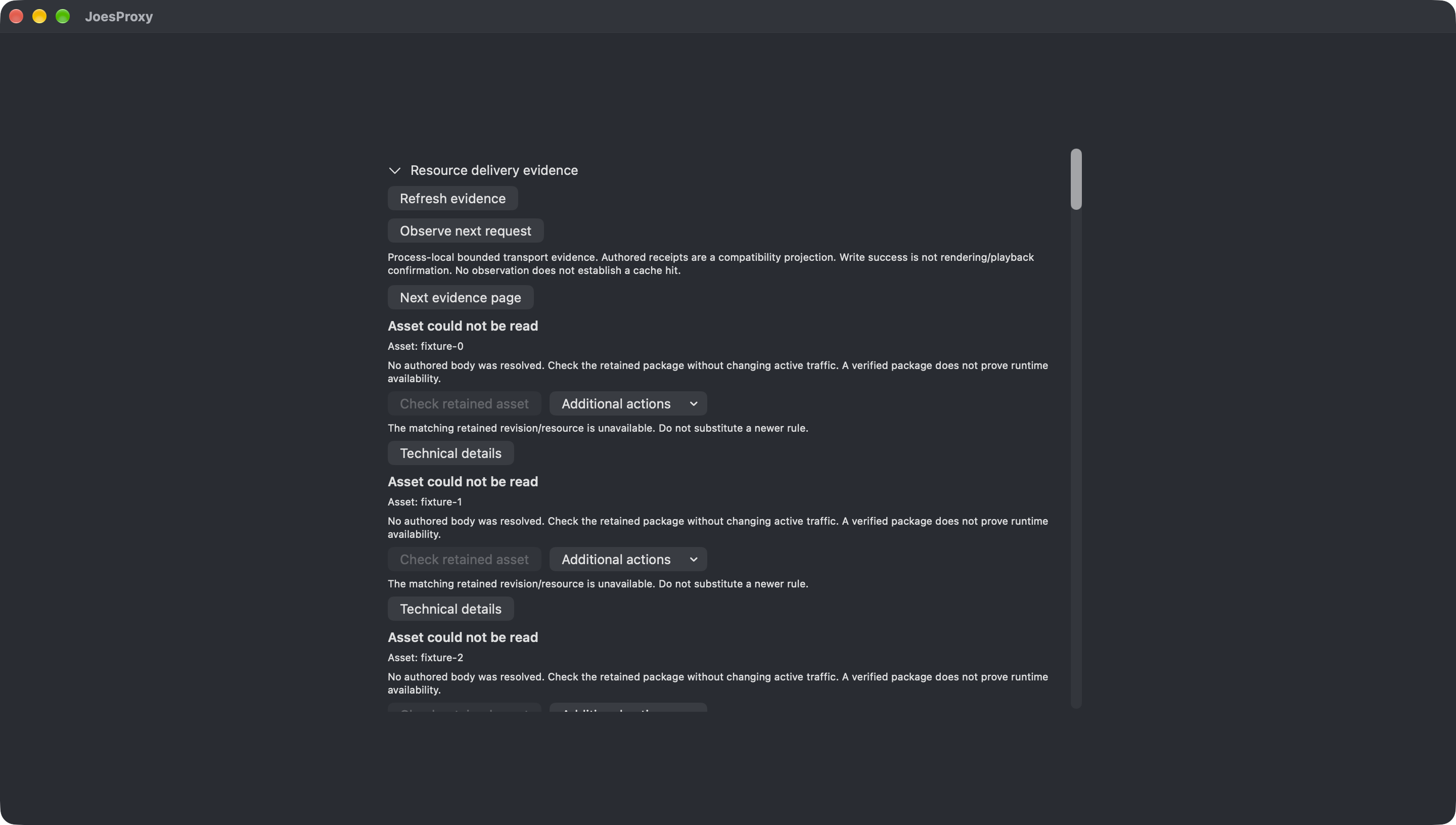
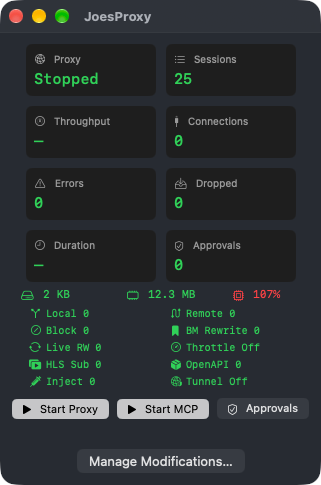
Keep the controls within reach
The compact HUD puts status, session counts, and controls in a small window alongside the application under investigation. Open the full workspace when you need deeper inspection.
Bring agents into a supervised workflow
An MCP interface and the joesproxyctl command-line tool support structured diagnostic workflows. The design separates observation, proposed changes, approval, and verification, with permissions and human supervision for sensitive access and state-changing actions.
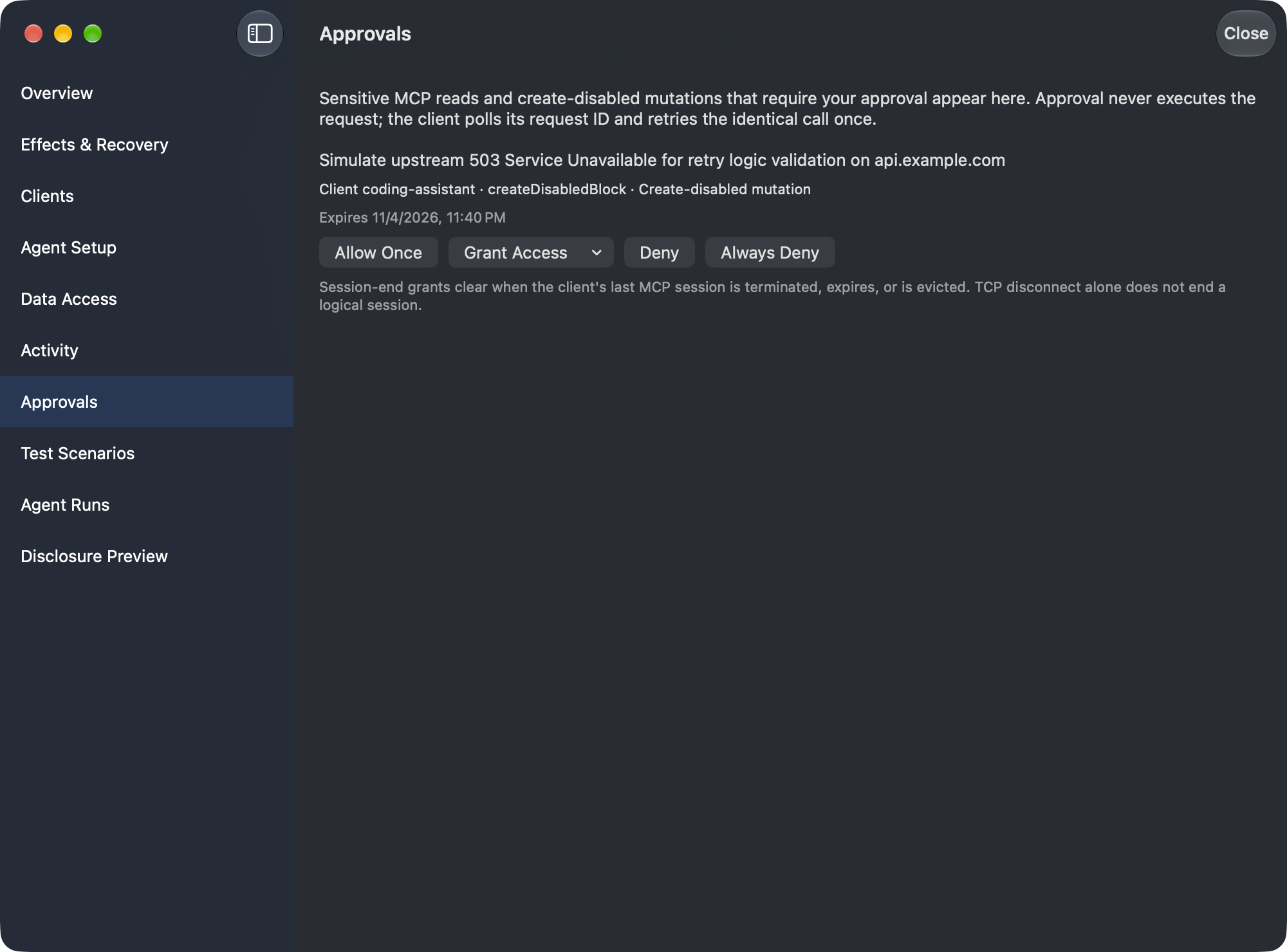
The application combines Swift and SwiftNIO networking with an AppKit/SwiftUI interface. These are real application screenshots and faithful crops using demonstration data—not design mockups.
Availability
- Source: not publicly released; no public repository link is available yet.
- Dedicated website: prototype prepared, with a separate launch planned later.
- Release date: not announced here.